Drought curtailment

Drought curtailment for water districts

When water is short, Loamio helps you set a fair cap, publish it as an on-the-record decision, and show every patron exactly where they stand — without a spreadsheet full of hand calculations.

How it works

Set a cap, publish it, see the bands.

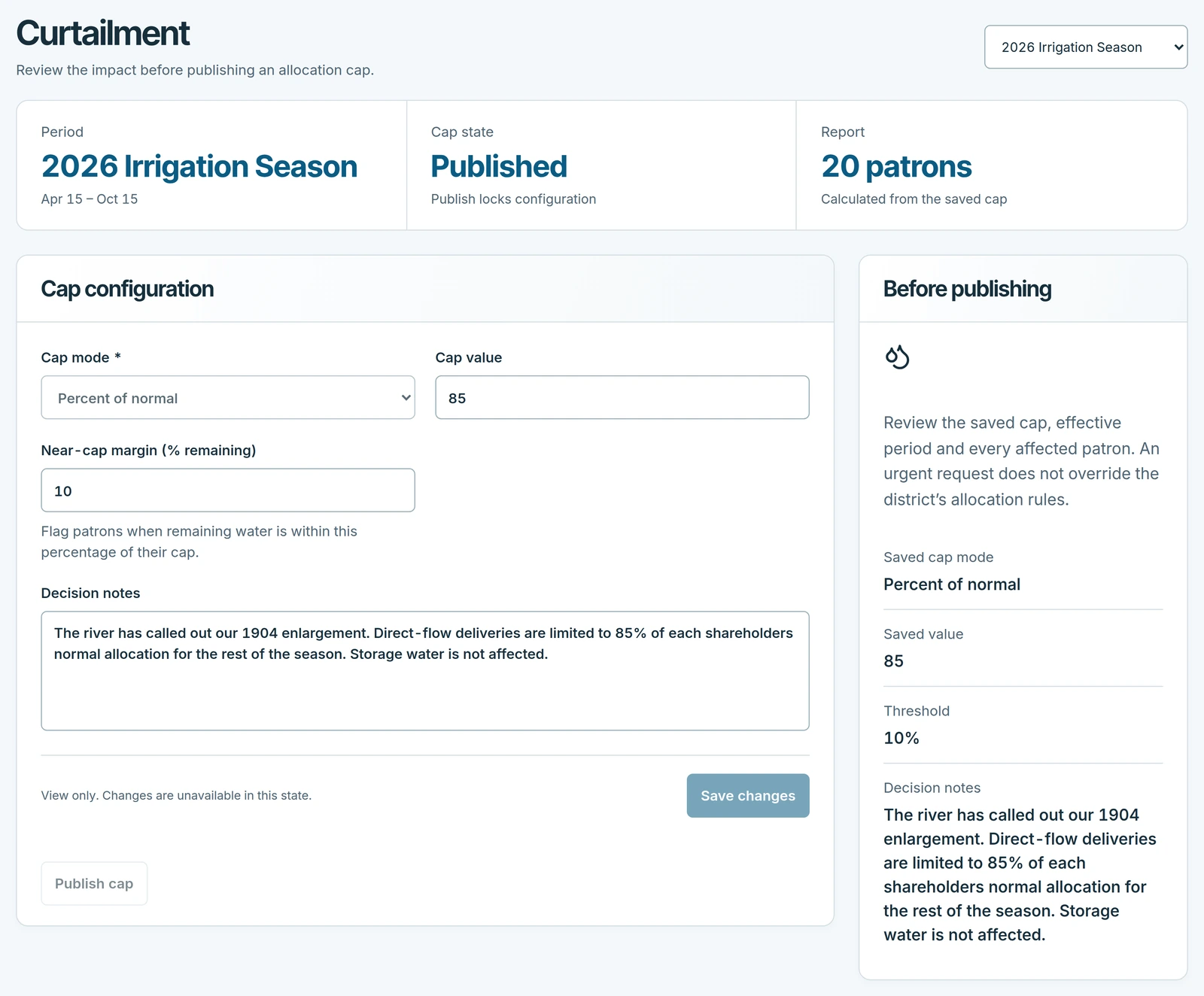
Pick the allocation period, choose a cap mode and value, and publish. Loamio measures every patron's use against their limit and sorts them into color-coded bands, so you know at a glance who has room and who needs a phone call. Editing a published cap requires a deliberate re-publish, so every change to everyone's limit is a dated decision.

The Loamio curtailment screen showing a published cap and each patron classified into an ok, near-limit, or over band.
The curtailment report — every patron classified against the published cap, ready to export.

Cap modes

Three ways to express a cap.

Percent of normal

Limit everyone to a share of their usual water. A 70% cap means each patron gets 70% of what they'd normally receive — the simplest way to spread a shortage evenly.

Acre-feet per share

Cap each share at a set number of acre-feet. A patron's limit is that number times their share count — natural for a mutual ditch company that already thinks in shares.

Acre-feet per acre

Cap each water-righted acre at a set number of acre-feet. A patron's limit is that number times their water-righted acres — best when the board wants to ration by land.

The bands

Ok, near-limit, over — at a glance.

OkComfortably under the cap. No action needed.
Near-limitWithin 20% of the cap by default — a threshold you set. Time for a heads-up.
OverPast the cap. Flagged so nothing slips through.

Why it beats a spreadsheet

A dated decision, not a formula nobody trusts.

  • No hand math. Loamio recomputes every patron's standing the moment water moves. A drought spreadsheet is out of date the day after you build it.
  • On the record. Publishing stamps who set the cap and when, and a re-publish is required to change it — so the board's decision is documented, not buried in a cell.
  • One source of truth. Patrons see the same cap the office published and riders can check it in the field, read-only. No conflicting copies emailed around.
  • Ready for the meeting. Download the per-patron report as CSV for the board or the water commissioner in one click.

Questions

Curtailment, answered.

What is drought curtailment in Loamio?

Curtailment is how a district limits how much water each patron may take when supply is short. You pick an allocation period, set a cap, publish it, and every patron is automatically classified ok, near-limit, or over against their limit — with a CSV report you can take to the board.

What cap modes does Loamio support?

Three ways to express a cap, plus a no-cap state: percent of normal, acre-feet per share, and acre-feet per acre. You choose the mode, the value, and a near-limit threshold.

What do the ok, near-limit, and over bands mean?

Ok means comfortably under the cap. Near-limit means within 20% of the cap by default (you can change that threshold). Over means past the cap. The bands give you a color-coded read on who has room and who needs a call.

Why does editing a published cap require re-publishing?

Publishing stamps who set the cap and when, so it is an on-the-record decision. Changing a published cap requires a deliberate re-publish so no quiet edit can silently change everyone's limit without a new, dated decision.

Can patrons see the curtailment cap?

Yes. Once the office publishes a cap, patrons see where they stand against the district's limit. Ditch riders can view it read-only in the field, and the office remains the single source of the cap.

Related: Delivery efficiency benchmarks · Hydraulic schematic · The whole system, simple to run

Next step

See curtailment on your ditch.

A 20-minute walk-through tailored to your district. We respond within one business day.

Book a demo